world.svg
How to Delete Your Auto-Buy Plan

Baca dalam Bahasa Indonesia

Here’s a simple way to delete your Auto-Buy plan in NOBI:

Step 1: On the Auto-Buy page, select the crypto asset you want to remove from the Auto-Buy Plan
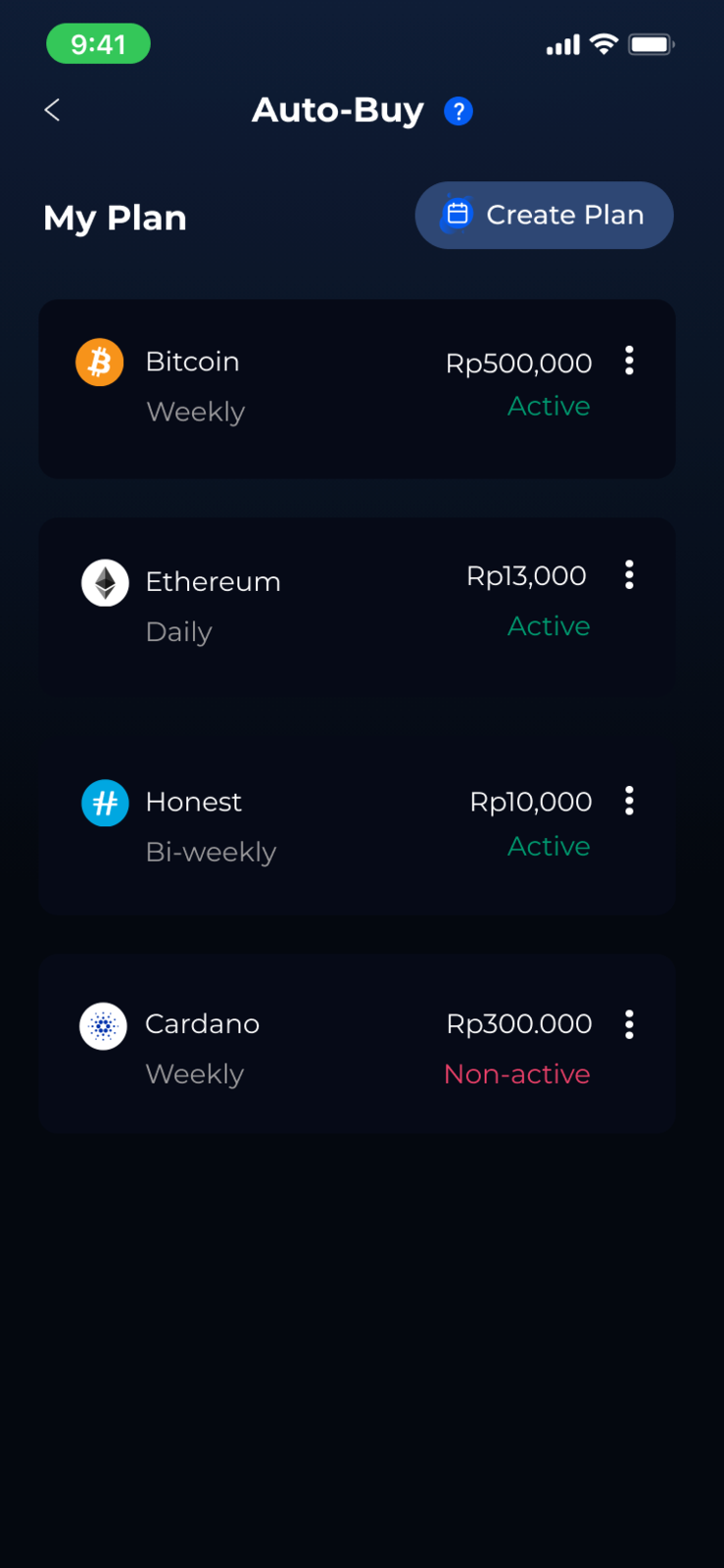
Step 2: Next, a pop-up will appear, select the “Delete Plan” button
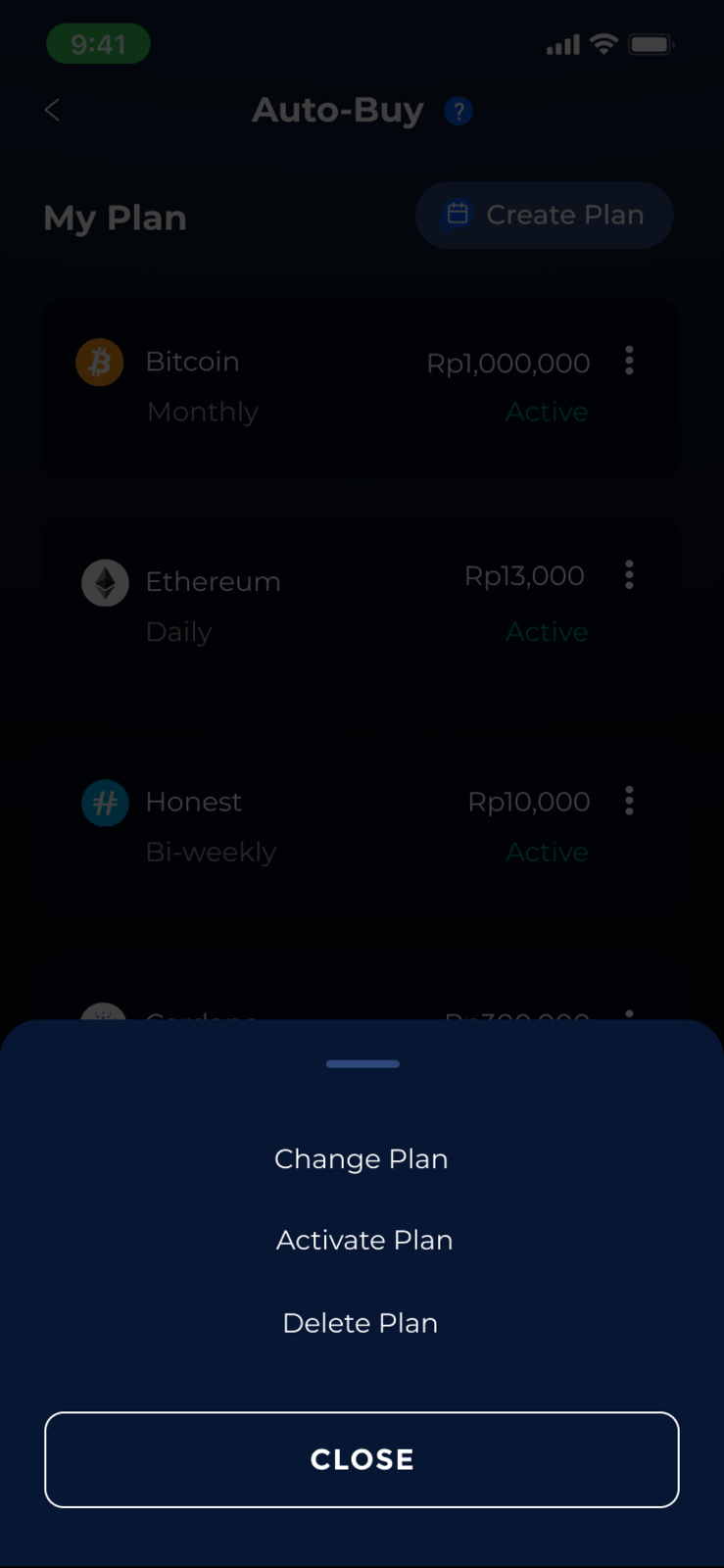
Step 3: Then, another pop-up will appear, press “Yes” button to confirm
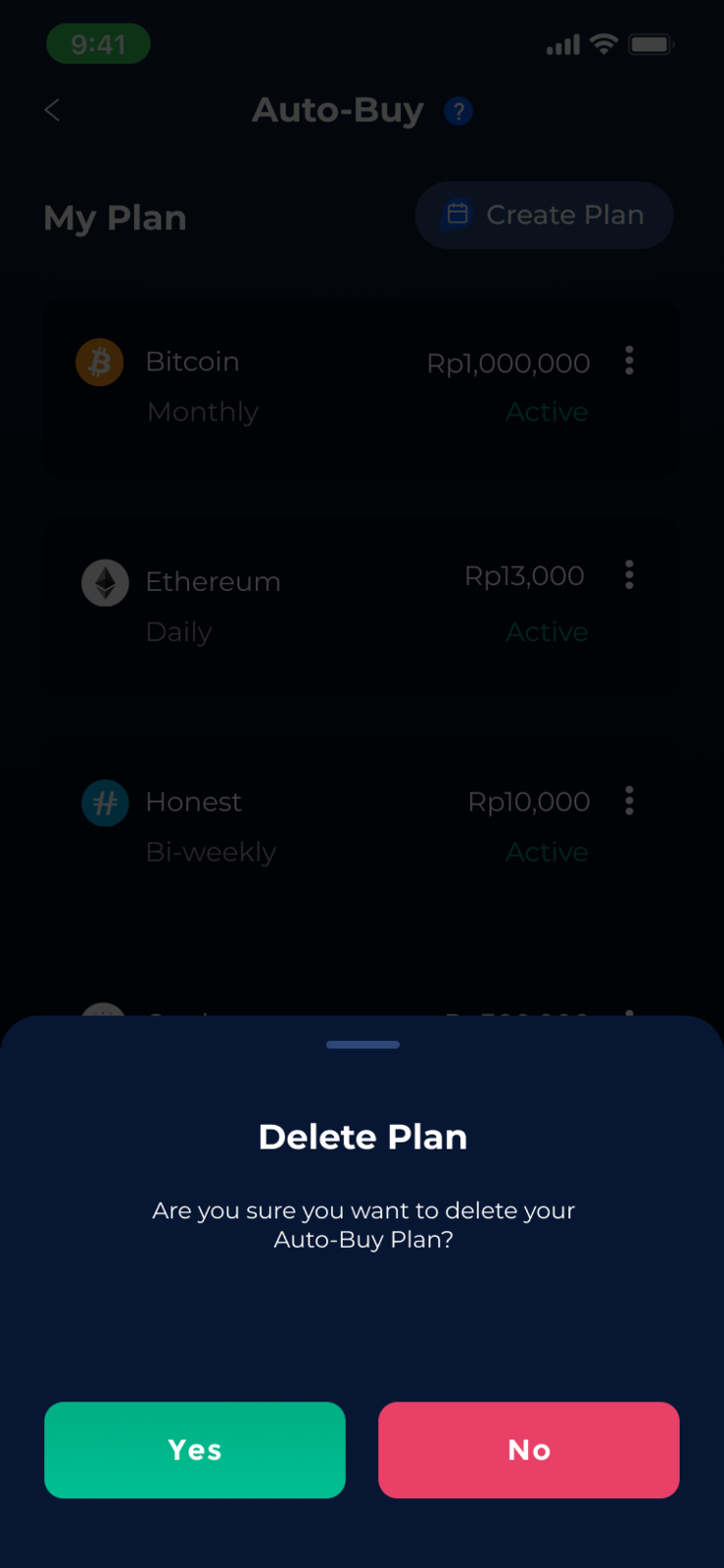
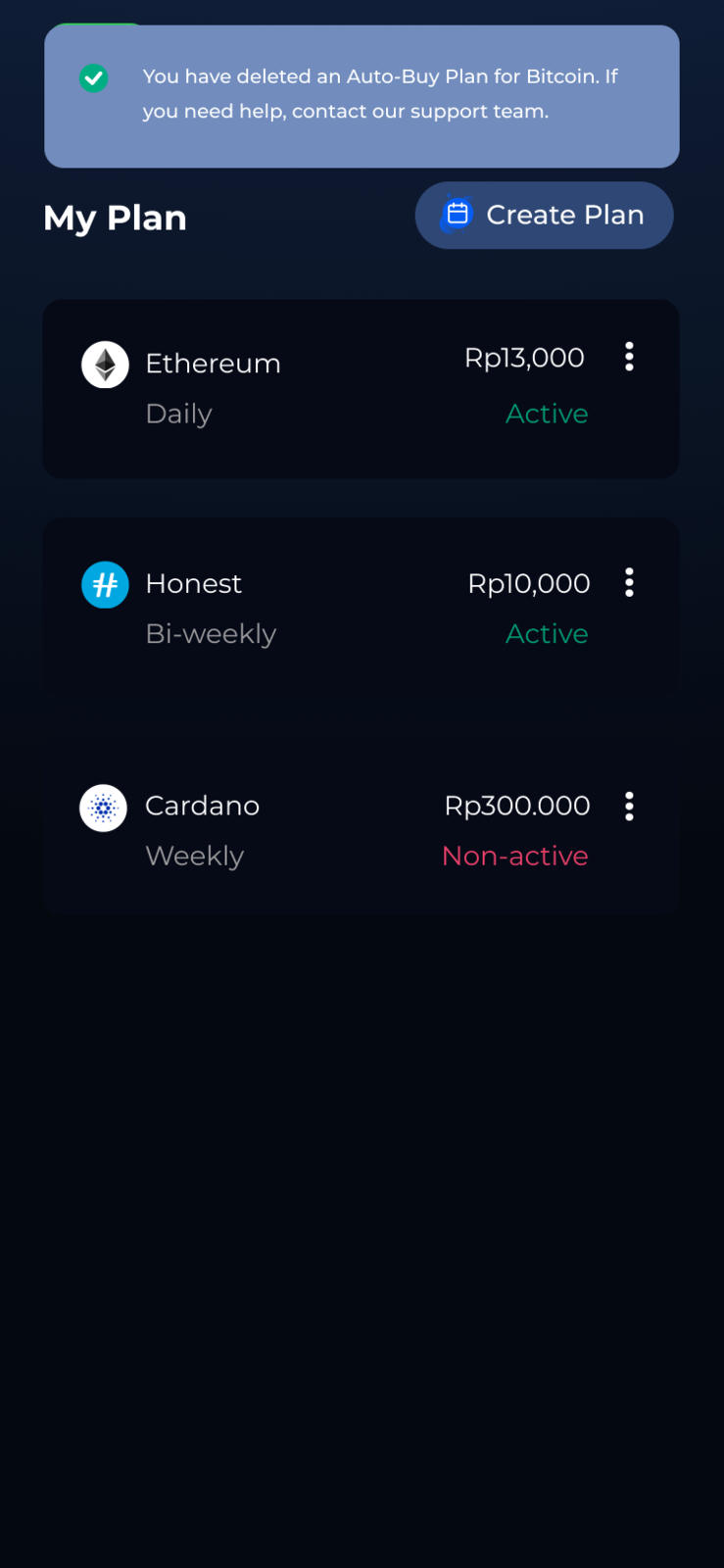
Step 4: You have deleted the Auto-Buy plan for your selected crypto asset.
Is the article helpful for you?

Share this :

Popular Post

DeFi’s Hot Trend: Yield Farming
NOW, EVERYONE CAN JOIN NOBI!
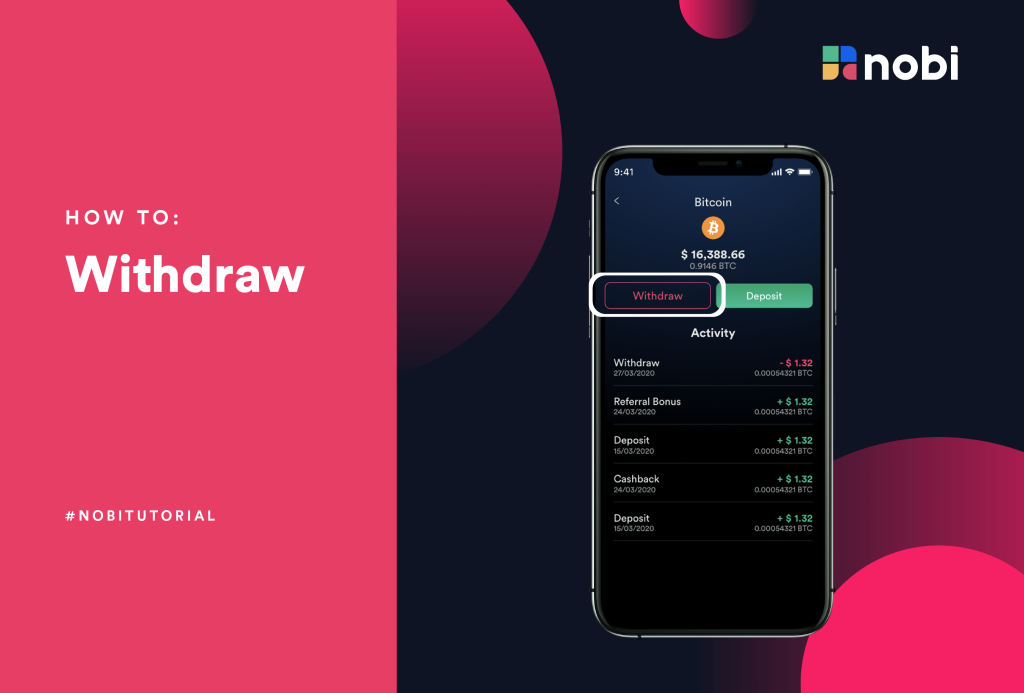
How To Withdraw Your Crypto Assets In NOBI
DeFi The Future of Financial System
DeFi, The Future of Financial System
2021: The Year Of Cryptocurrencies

Related Article

Important: Delisting of HNST Token
Important: Delisting o...
banner
Automatic Conversion of FIRO, DASH &...
Automatic Conversion o...
banner
NOBI Officially Receives Indonesia Crypt...
NOBI Officially Receiv...
banner
Important Announcement: DASH, FIRO &...
Important Announcement...
banner
Important Announcement from NOBI
Important Announcement...
banner
Changes to Crypto Deposits & Withdra...
Changes to Crypto Depo...